Log a no in 10 seconds
Hold Log, say what happened, let go, tap the outcome. Saved before the adrenaline wears off.
Three things.
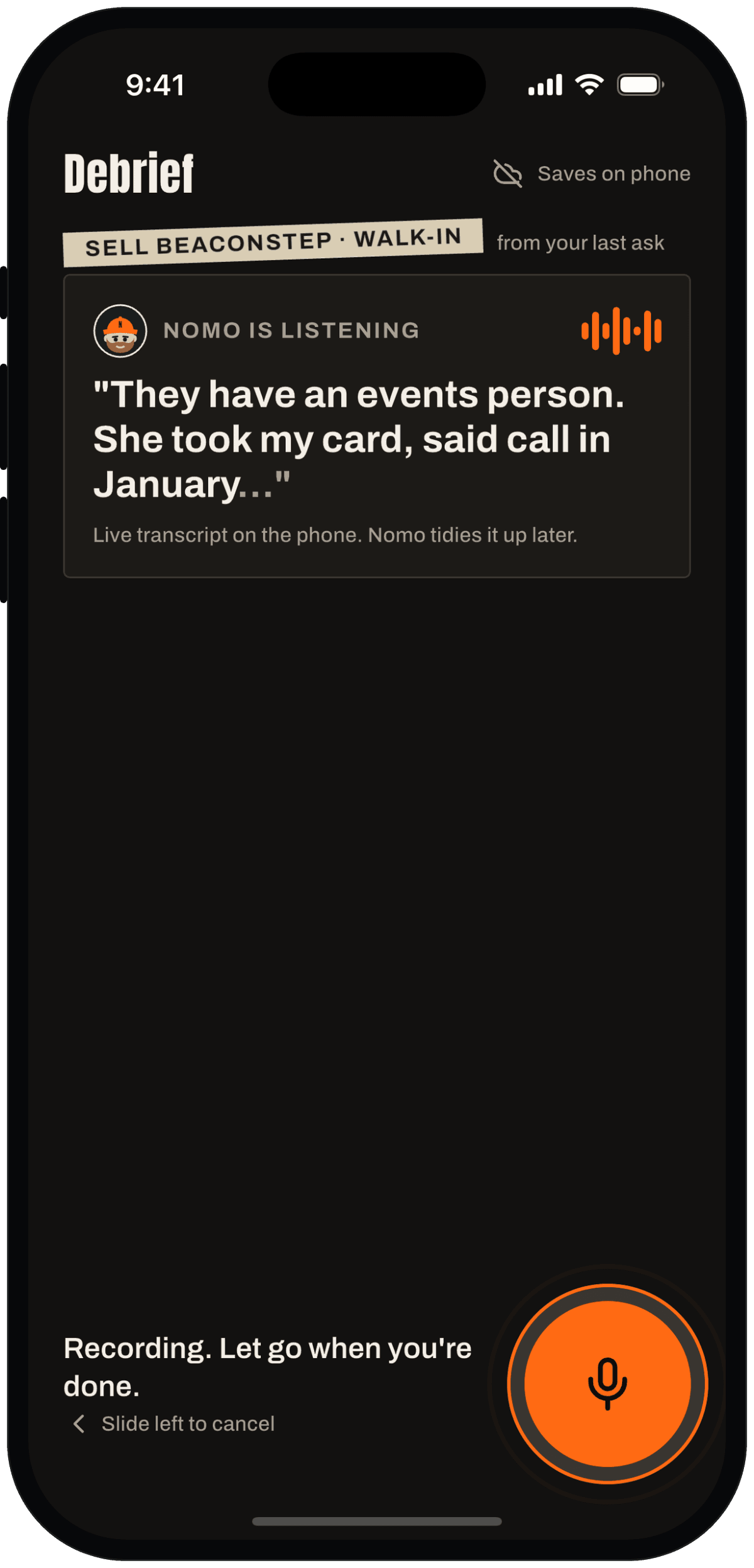
Hold and talk
Hold Log and say what happened. Your words show up as you speak.
In your language
Talk in English, Deutsch, Español or the language you pick in Settings. The app stays in English, your notes stay in your words.
Tap the outcome
Flat no, soft no, maybe, yes or no reply. One tap. Saved on your phone, even with no signal.
Hold Log, talk, let go → Soft no. About 6 seconds with one sentence, 3 without. Under 10, every time, one-handed.
Why it helps
Right after an ask you remember everything and want to type nothing. So logging asks for almost nothing.
Then the no gets a high-five, because the no is the point.
Two taps. Then go get the next one.
See it in the app.
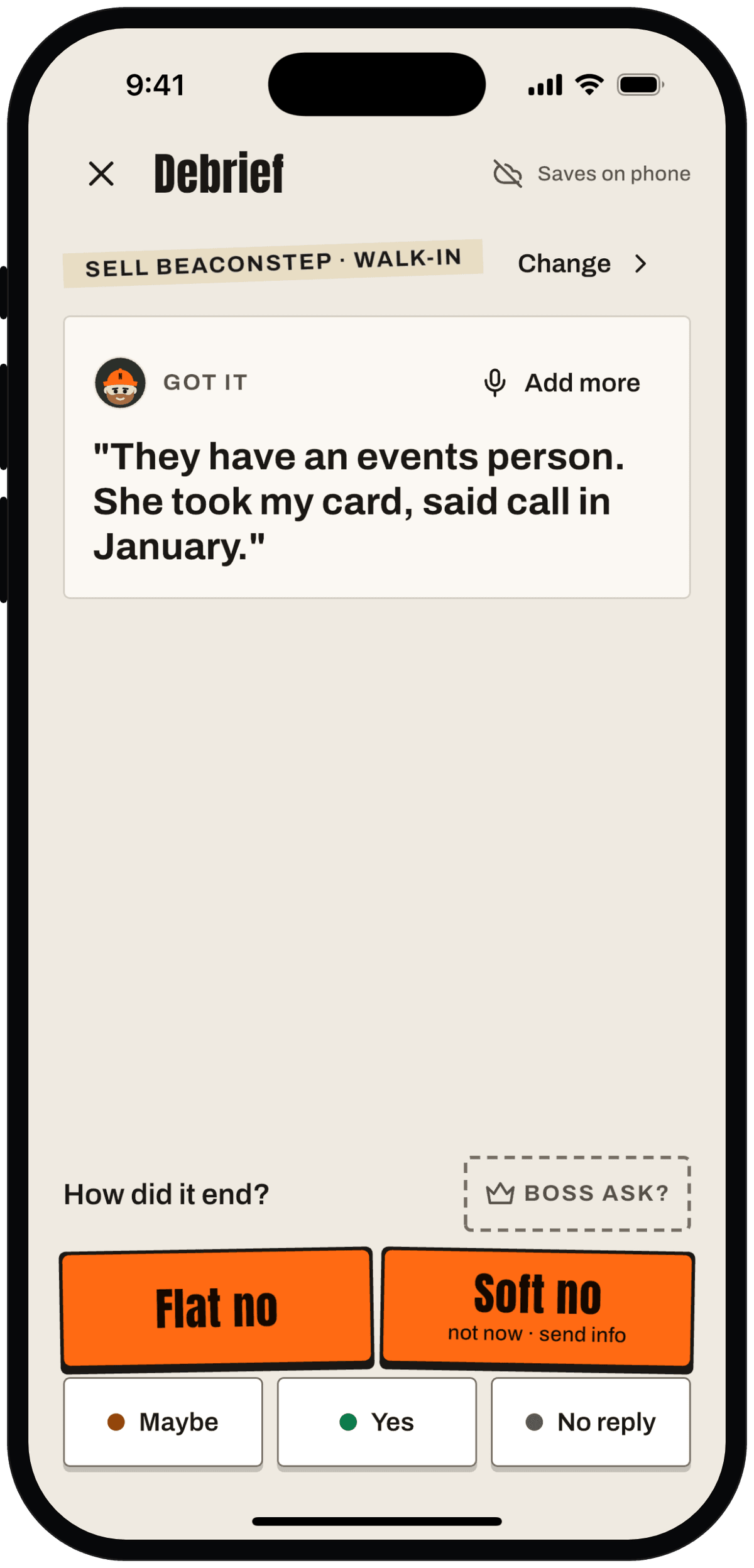
Let go. Your words are in. Tap Flat no or Soft no. 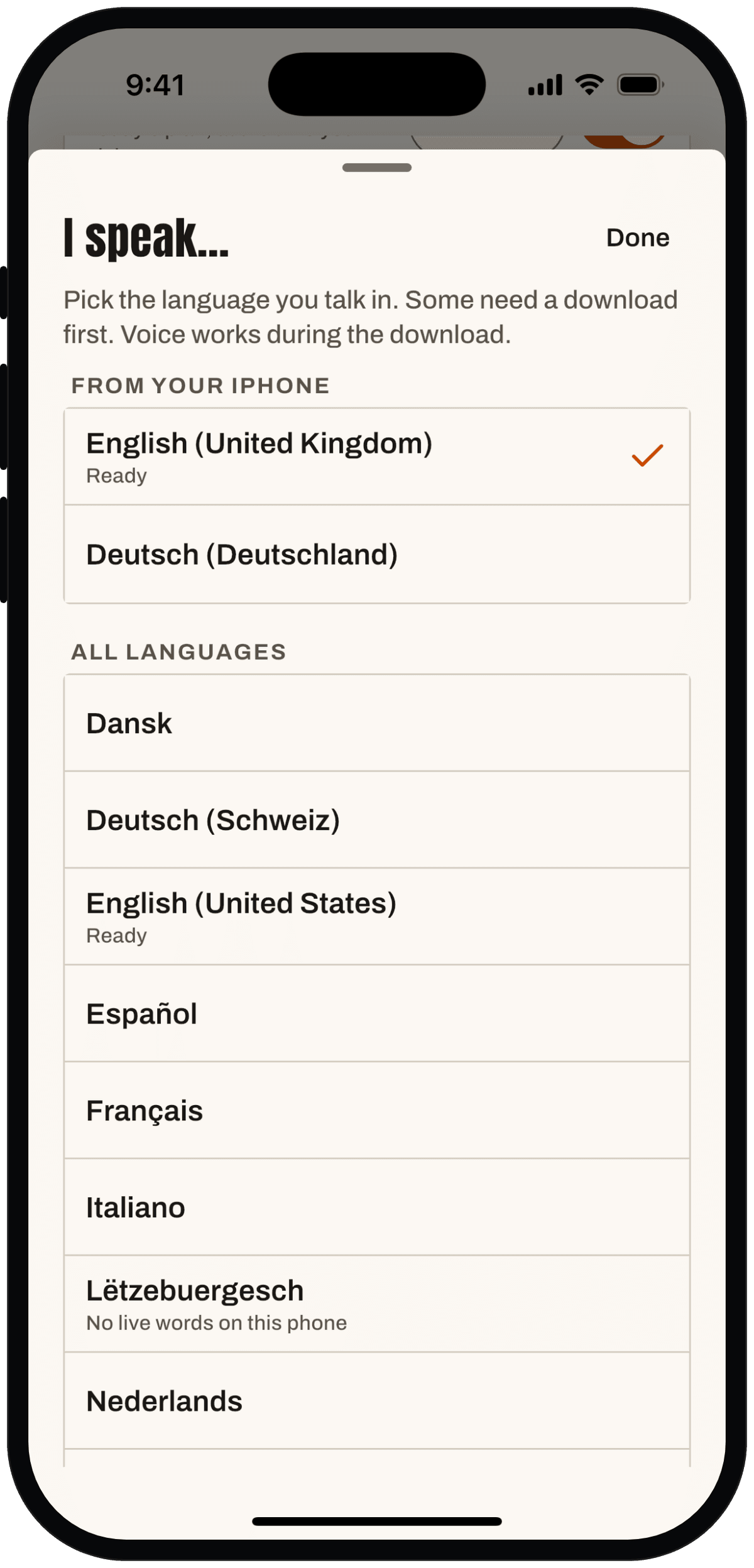
Pick the language you talk in. Nomo writes your notes in it. 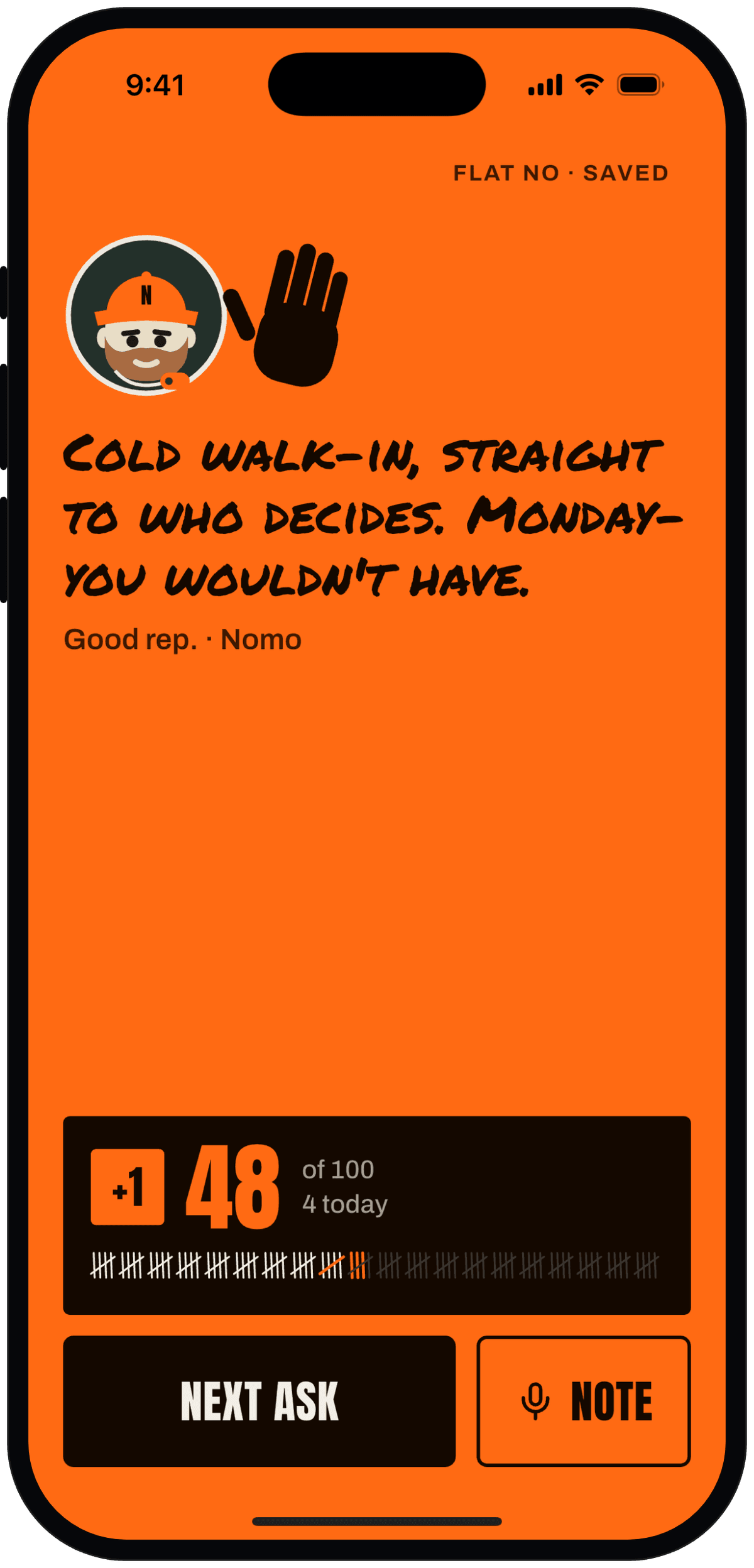
The no gets a high-five. Then the score: +1.
Swipe for more screens.
Privacy note
Your words are turned into text on your phone. A short recording helps Nomo tidy the note, then it's deleted, never kept longer than 24 hours. Type instead and no audio leaves your phone.
How we handle your dataI'll be right here when you walk out.