05 of 08
Nomo, now
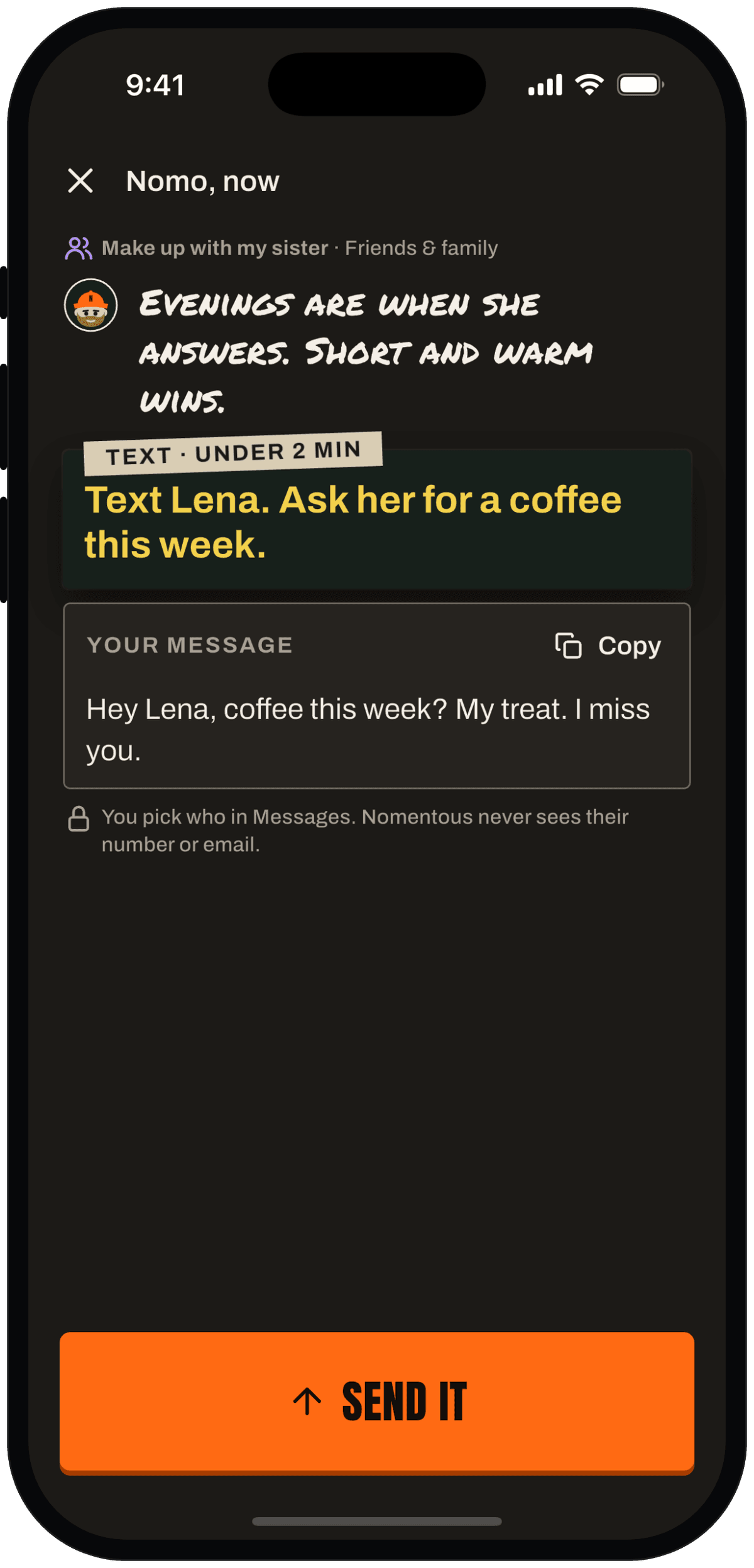
Got a spare minute? Nomo hands you one ask you can send in under two minutes, with the words already written.
What it does
Three things.
One quick ask
From your open quests: a text, an email or a call. Under two minutes.
Words ready
Change a word if you like. Send it opens Messages or Mail with your words in. You pick who.
Waits for the answer
Sent asks wait on Today. When they reply, log it like any ask. It counts when you log their answer.
Why it helps
Spare minutes usually go to scrolling. This turns one into a real ask, before you have time to overthink it.
Five a day, tops. Then go live a bit.
Out there. Now it's their move.
On your phone
See it in the app.
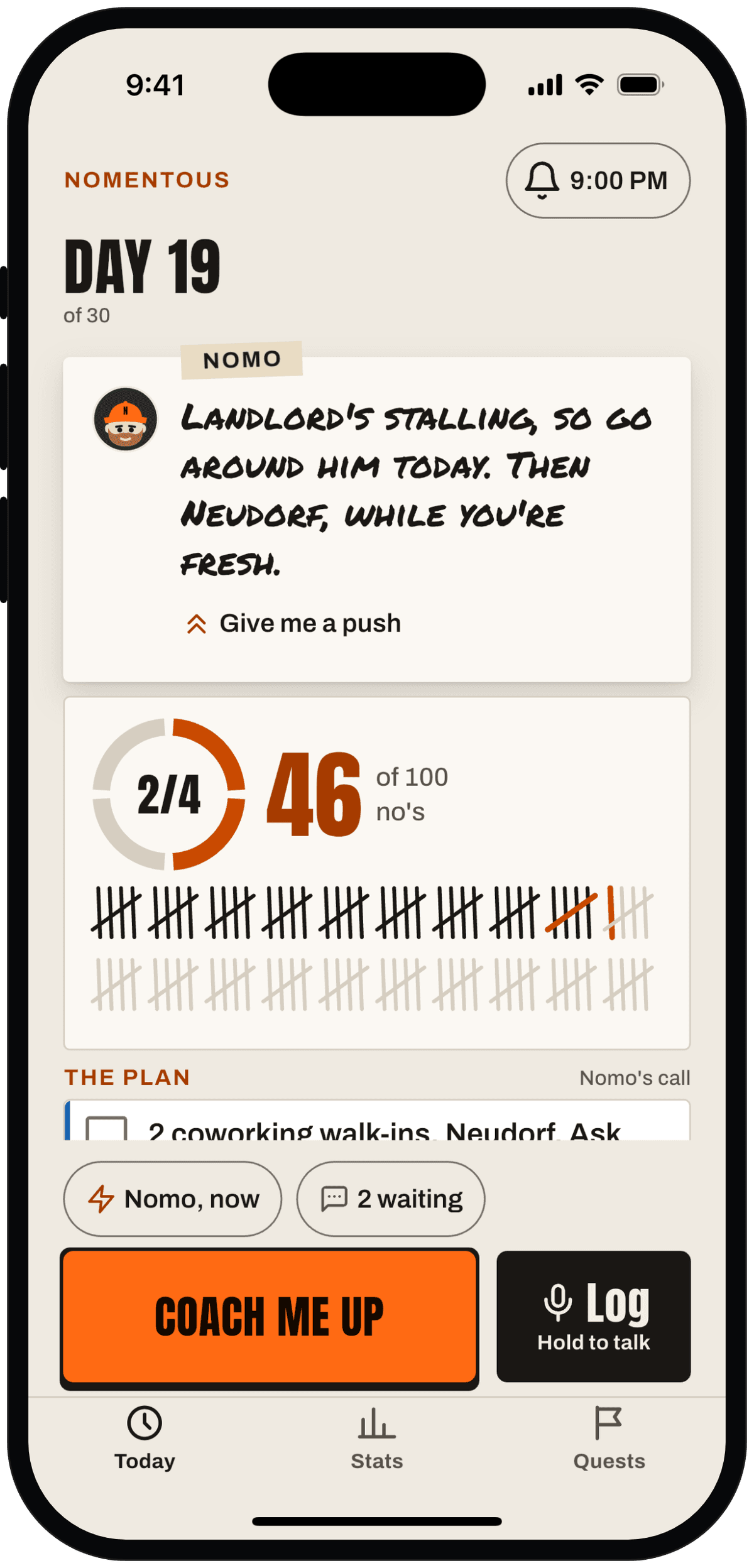
Nomo, now sits on Today, one tap away. 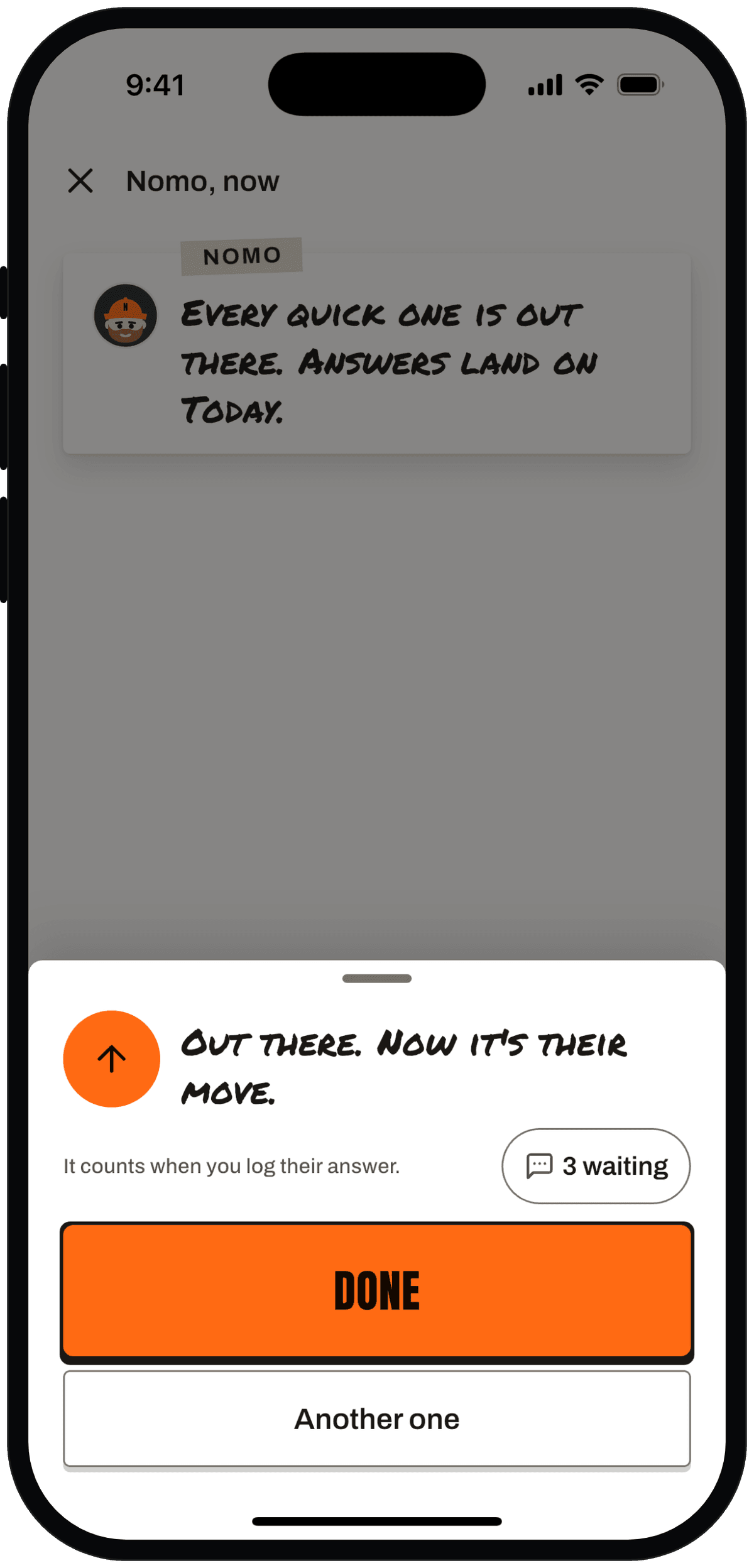
Sent. Nomo waits for their answer with you. 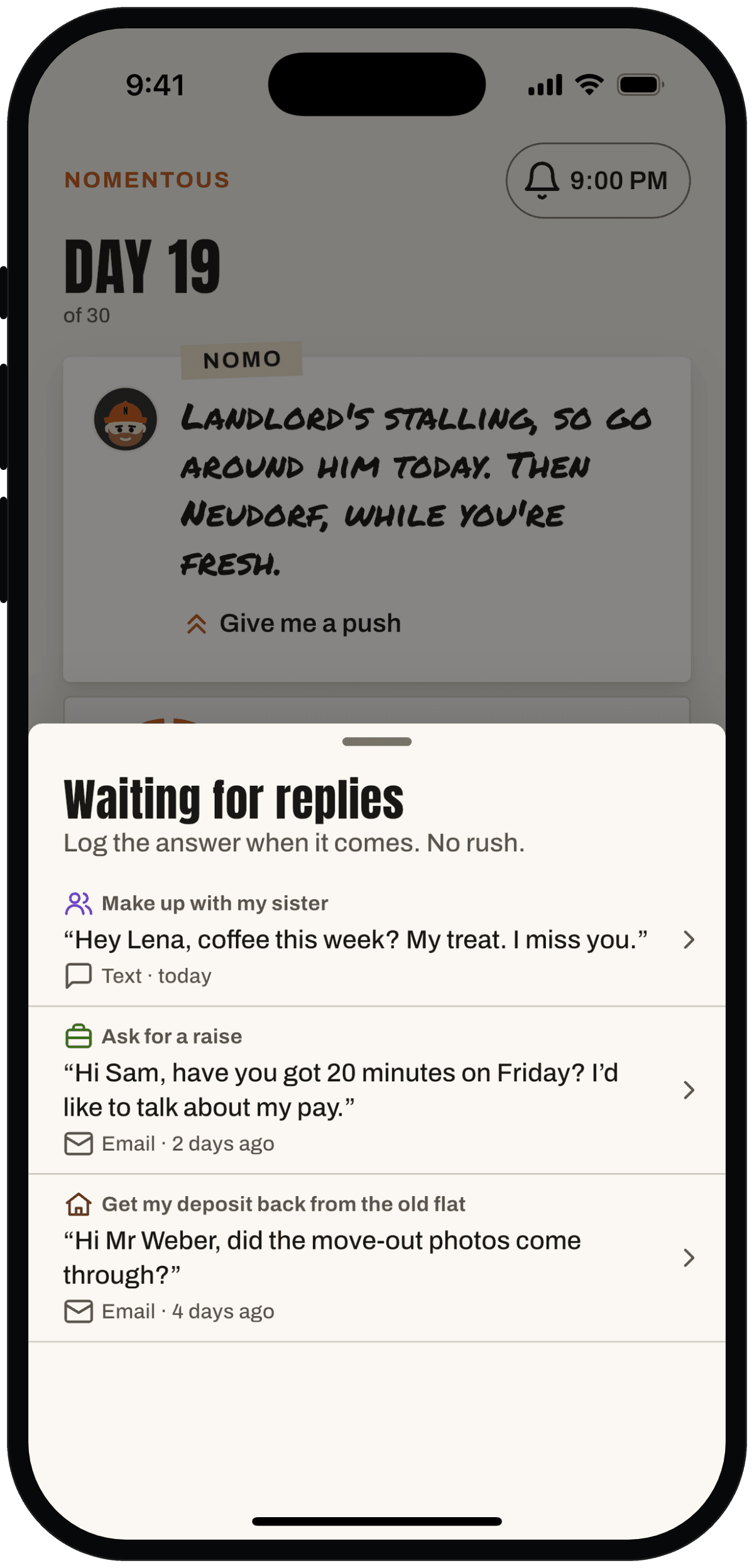
Sent asks wait here until you log their answer.
Swipe for more screens.
You pick whoPrivacy note
Privacy note
You pick who in Messages, Mail or your contacts. Nomentous never sees their number or email.
How we handle your dataI'll be right here when you walk out.